AI Designer Suite and packQ: Revolutionizing Packaging Design Software
packQ transforms Packaging Design Software software into a seamless, browser‑based experience. Users upload artwork, configure parametric packaging and see live 3D previews while AI tools handle vectorization, upscaling, background removal and preflight checks. A rich ECMA/FEFCO library, dynamic pricing and API‑first architecture make it ideal for printers, brands and e‑commerce platforms. The result is print‑ready packaging files and predictable costs without manual CAD or prepress work.
Digital packaging is no longer optional; it’s strategic. Brands fight for attention on ever‑crowded shelves and shipping cartons double as marketing assets. Yet the traditional workflow—CAD drafting, file exchanges and offline approvals—creates delays and errors. CloudLab’s packQ offers a fresh approach for decision makers who need scale, accuracy and speed. This article examines how packQ’s AI Designer Suite and 3D web‑to‑pack platform turn complex packaging into an automated process.
Redefining Packaging Design
Complexity meets automation
Packaging files combine structure, graphics and finishing effects. A single low‑quality logo or mis‑converted colour can ruin a print run. packQ addresses this by merging CAD logic, real‑time 3D rendering and automated preflight checks. Instead of separate tools, users work in a single browser‑based environment where structural changes recalibrate die lines automatically.
Cloud‑native and headless architecture
packQ is delivered as cloud software. A browser is all that’s required; there is no local installation. Cloud infrastructure provides accessibility, scalability and automatic updates. For organisations with strict IT policies, private hosting options are available. The platform is API‑first—frontend and backend are decoupled so the 3D designer, pricing engine and preflight services can be embedded into any e‑commerce site or ERP system. This headless architecture enables real‑time data exchange with MIS, digital presses and cutting tables.
Core Features of packQ
3D Packaging Designer: Real‑Time, Browser‑Based Visualization
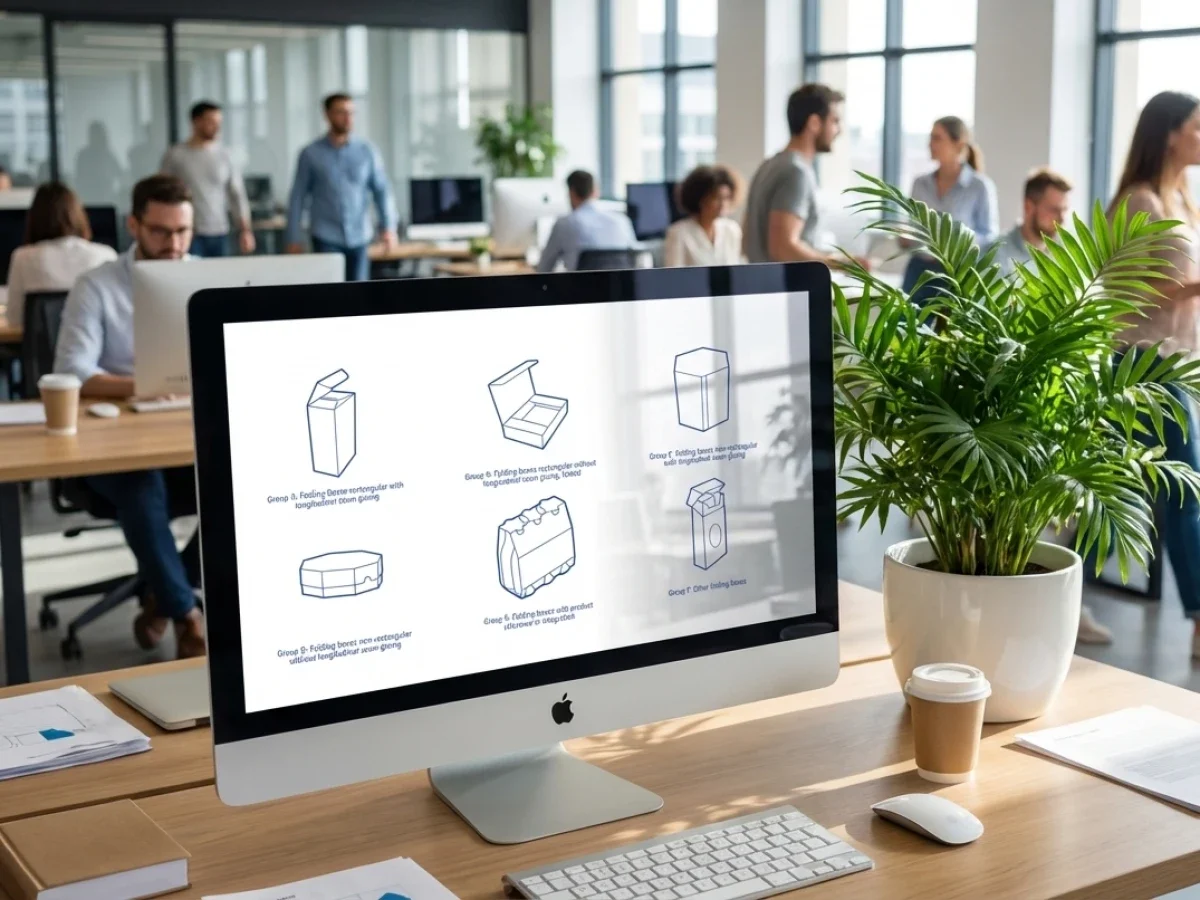
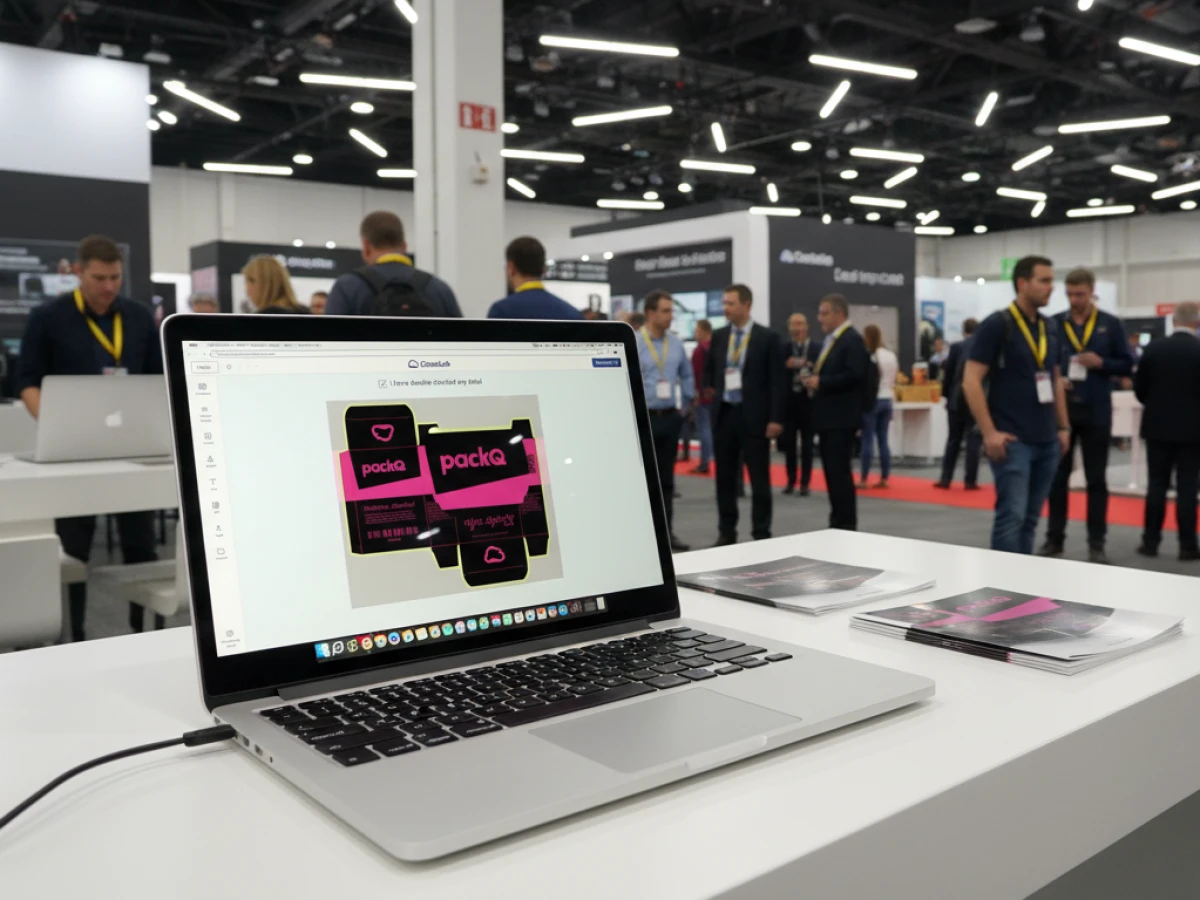
packQ’s 3D designer brings CAD‑grade precision into the browser. Users choose a template from over 120 ECMA folding‑carton styles and 290 FEFCO corrugated models, plus around 50 POS display templates. Dimensions are entered, and the system recalculates folds, panels and glue flaps instantly. Real‑time WebGL rendering simulates material textures, lighting and finishes, while a synchronised 2D canvas allows placement of logos, barcodes and text. Advanced tools include vectorization of raster images, AI‑based background removal and layer management for spot colours.
ECMA & FEFCO library: Standards ensure production safety
packQ integrates a complete ECMA and FEFCO library. Standardised templates guarantee that dielines are production‑safe and globally understood. When a user modifies dimensions, structural ratios remain consistent. This eliminates manual CAD work and allows global brands to maintain consistent packaging across regions.
AI Designer Suite: Design automation in the browser
Artificial intelligence powers packQ’s image processing. Vectorization AI converts low‑resolution bitmaps into clean vector paths, generating optimised Bézier curves and merging paths based on colour contrast. Crispify AI upscales photos up to four times their original resolution using neural networks trained on print‑grade imagery. Background Removal AI isolates objects—even complex hairlines or transparent materials—so designers can place products on any surface. Smart masking proposes finishing zones for foils or varnish, and colour optimisation detects and converts RGB assets, incorrect spot names and insufficient contrast. These AI functions eliminate the need for external editing software and allow non‑experts to achieve professional results.
Dynamic Preflight Check: Right‑First‑Time Printing
packQ verifies print files as they are created. The dynamic preflight check analyzes resolution, colour mode, fonts, bleed and transparency in real time. It uses established engines such as Enfocus PitStop and callas pdfToolbox and provides visual markers and corrective suggestions. Parameters like 300 DPI resolution, CMYK colour conversion and embedded fonts are enforced. Preconfigured profiles adapt to different product types (folding cartons, corrugated board, POS displays, flexible packaging), and automated corrections adjust bleed or colour spaces. Integration with ERP and MIS means that once data are validated, packQ generates production‑ready PDFs with bleed, trim and colour data while passing metadata to downstream systems.

Product Configuration & Dynamic Pricing
packQ’s configuration tool lets customers choose materials, colours and finishing options; a plausibility check catches incompatible choices. Its dynamic price calculation models industry‑standard cost parameters—setup, run and post‑press—so price updates occur automatically whenever size or quantity changes. In the 3D designer, every adjustment triggers live cost recalculations, empowering users with transparent budgeting and eliminating manual quoting.
Variable Data Printing (VDP)
For mass customisation and lot size 1, packQ supports PDF/VT and CSV uploads. Customers can upload spreadsheets with names, images or codes and have each package personalised. The system allows manual addition or editing of records and provides tools to check that every variable is correctly placed and print‑ready. Within the 3D designer, personalisation appears directly on the model. This capability enables marketing campaigns, limited editions and track‑and‑trace applications without increasing prepress workload.
Template Gallery & Liquid Layouts
The Template Gallery offers countless design templates across product types. Dynamic Liquid Layouts adjust automatically when dimensions change; AI rules based on colour harmony and proportional design reposition elements to maintain balance. Users can design variable‑size packaging without agency support, making mass customisation accessible.
Production Workflow & Integration
packQ’s headless design connects every stage of the workflow. After configuration and preflight, the system outputs print‑ready PDF/X, CAD die‑cut files and metadata. It transfers files to ERP/MIS for job tickets and material planning and drops final data in hotfolders for direct processing on digital presses and cutting tables. The platform supports REST, SOAP and JSON interfaces, enabling integration with e‑commerce platforms like Shopify, Magento or custom portals.
Use Cases Across Industries
Printers & Packaging Manufacturers
Printers face pressure to process numerous short runs without compromising quality. packQ reduces prepress effort by 80 % and helps deliver higher quality with fewer rejects. Real‑time preflight and AI‑assisted corrections lower error rates and waste. Parametric templates expand product ranges without new tooling, and dynamic pricing eliminates manual quotations. In practice, a converter integrating packQ increased throughput by 30 % and reduced job preparation time by 70 %.
E‑Commerce Platforms & Marketplaces
E‑commerce thrives on convenience and personalisation. packQ allows shoppers to design packaging online, view immediate price updates and complete orders without leaving the shop interface. Real‑time preflight ensures data quality during checkout. Open‑shop portals can serve end consumers, while closed‑shop portals support business clients with logins and customised catalogues. CloudLab’s solution helped a packaging producer set up separate open and closed shops, offering small quantities for consumers and customised designs for business customers. Integration with workflow managers automates job creation and status feedback, enabling 24/7 mass customisation.

Brand Owners & Industry
Consistency and speed matter for brand owners. packQ’s AI tools ensure logos and colours are always sharp and correctly converted. Parametric templates keep structural proportions intact across sizes, while Liquid Layouts maintain design harmony. Brands can launch new packaging faster because designs, approvals and preflight happen in a single session. Personalisation via PDF/VT enables campaigns with individual names or batch codes. Business examples show faster product launches and global design consistency.
Technology Teams: IT, Prepress & Production
packQ’s API‑first architecture gives technology teams flexibility. It integrates directly with ERP/MIS for job tickets and inventory adjustments. Predefined preflight profiles can be customised for company standards. The headless design allows developers to embed the 3D designer into existing portals. Scalability ensures that hundreds of users can generate packaging variants simultaneously without performance issues. For production, packQ outputs CAD files and metadata directly to cutting tables and presses, enabling Industry 4.0 workflows.
Unique Selling Propositions
CloudLab positions packQ not as a typical web‑to‑print tool but as a pure web‑to‑pack solution. Its unique strengths include:
- Deep ECMA/FEFCO integration: over 120 ECMA and 290 FEFCO templates plus POS displays ensure parametric, production‑safe structures.
- Real‑time 3D with CAD‑quality output: live visualization shows true material textures, lighting and finishing, and outputs include print‑ready PDF/X and CAD files.
- AI functions in the browser: vectorization, super‑resolution, background removal and smart masking remove the need for external editing software.
- End‑to‑end automation: dynamic pricing, preflight, file generation and ERP integration eliminate manual touchpoints.
- Headless, API‑first architecture: REST and SOAP APIs enable embedding into any platform and connection to MIS/ERP.
- Industry 4.0 ready: packQ acts as a digital twin, connecting design to smart factory machines and supporting predictive scheduling.
Future Outlook and Innovation Roadmap
CloudLab continues to expand packQ’s capabilities. Upcoming AI enhancements include layout suggestions, colour harmony adjustments, generative textures and predictive print‑quality analysis. Liquid Layouts are evolving with responsive AI that adapts designs to extreme formats and integrates sustainability metrics. The roadmap also envisions augmented reality prototypes, material recommendation engines and automatic packaging optimisation based on logistics data. By investing in packQ today, companies future‑proof their packaging for mass customisation, sustainability and Industry 4.0.
Case Study: Colordruck Baiersbronn
A concrete example illustrates packQ’s impact. Colordruck Baiersbronn, a German packaging leader, wanted to separate their digital offering into an open shop for consumers and a closed shop for business clients. The open shop sells personalised packaging in quantities of one or more, while the closed shop offers customer‑specific products up to 5 000 units. CloudLab implemented packQ in just seven months. The platform’s HTML5 designer allowed users to edit products directly, while 3D previews provided WYSIWYG accuracy. Integration with the Symphony workflow manager via a custom interface automated print job creation and status updates. Preflight checks prepared files automatically for Callas Preflight, removing manual intervention. As a result, the web shop offers mobile‑first design, clear product arrangement and automated delivery time calculation.
CloudLab’s packQ and its AI Designer Suite redefine what Packaging Design Software can achieve. By combining parametric templates, real‑time 3D rendering, AI‑powered image enhancement, dynamic pricing and preflight, packQ offers a single platform for designing, previewing and ordering production‑ready packaging. Printers gain efficiency and scalability; e‑commerce sites deliver self‑service mass customisation; brands maintain consistent quality across markets; and technology teams integrate design seamlessly into Industry 4.0 workflows. With its headless architecture and continuous innovation, packQ stands out as the leading web‑to‑pack solution for the future.
An overview of all features of packQ developed by CloudLab
- 3D Packaging Designer – Design folding cartons, cartons and other packaging directly in the browser and instantly see how your product will look thanks to the real‑time 3D preview. Dimensions can be adjusted and prices are recalculated automatically.
- ECMA and FEFCO Library – Gives access to standardised templates for folding cartons, corrugated boxes and POS displays. The parametric models are based on the internationally recognised ECMA and FEFCO codes and can be customised.
- Vectorisation & Finishing – Pixel images are converted into high‑resolution vector graphics in just a few clicks. Finishing options such as foil stamping, spot UV varnish or embossing are also available to enhance the product.
- Variable Data Printing (PDF/VT) – Enables the import of personalised data or images via CSV/PDF‑VT upload. Data can also be added manually, allowing both one‑off pieces and large series to be produced efficiently.
- Template Gallery – A large selection of ready‑made templates accelerates the design process. The AI‑based “Liquid Layouts” automatically adjust designs to different formats while preserving the original design concept.
- Folding Boxes – Configure folding cartons with various closure types, viewing windows and embellishments. An interactive 3D preview provides complete control over material, format and features.
- Corrugated Board – Design corrugated packaging including special formats. The software supports different materials and special colours, automatically checks fold and cutting lines and shows the folding sequence in an animated view.
- POS Displays – Create individual product displays with configurable shelves and trays. Logos, text and QR codes can be placed precisely; a 3D preview shows the result from every angle.
- Flexible Packaging – For stand‑up pouches, mailing bags or film packaging, the print area and bleed can be defined in the backend. PackQ automatically trims artwork to size and marks relevant production dimensions directly in the editor.
- Labels & Stickers – Offers a wide range of label shapes and sizes. Materials, coatings and finishes can be freely selected; a preview shows the label directly on the packaging. Both data imports and manual entries are supported.
- AI Designer Suite – A set of image‑editing tools: raster images can be vectorised, resolution enhanced four‑fold with “Crispify”, and backgrounds removed automatically. Various filters are also available.
- Dynamic Preflight Check – Print data is checked in real time for resolution, colour mode and other criteria during configuration. This allows errors to be corrected before the job goes into production.
- Production Workflow – Once an order is placed, all relevant print and production data are generated automatically, including JDF/XML files. Hot‑folder integration ensures seamless transfer to printing and die‑cutting equipment.
- Product Configuration & Calculation – Enables detailed selection of materials, colours and finishes with inputs checked for plausibility. Dynamic pricing calculates realistic production costs based on industry‑standard parameters.
- eCommerce Integrations & APIs – Thanks to the “packQ Shop Connector”, the software can be connected to common shop systems without programming knowledge. Through REST/SOAP APIs and formats such as JDF, XJDF or JSON, packQ also integrates into ERP and production systems.